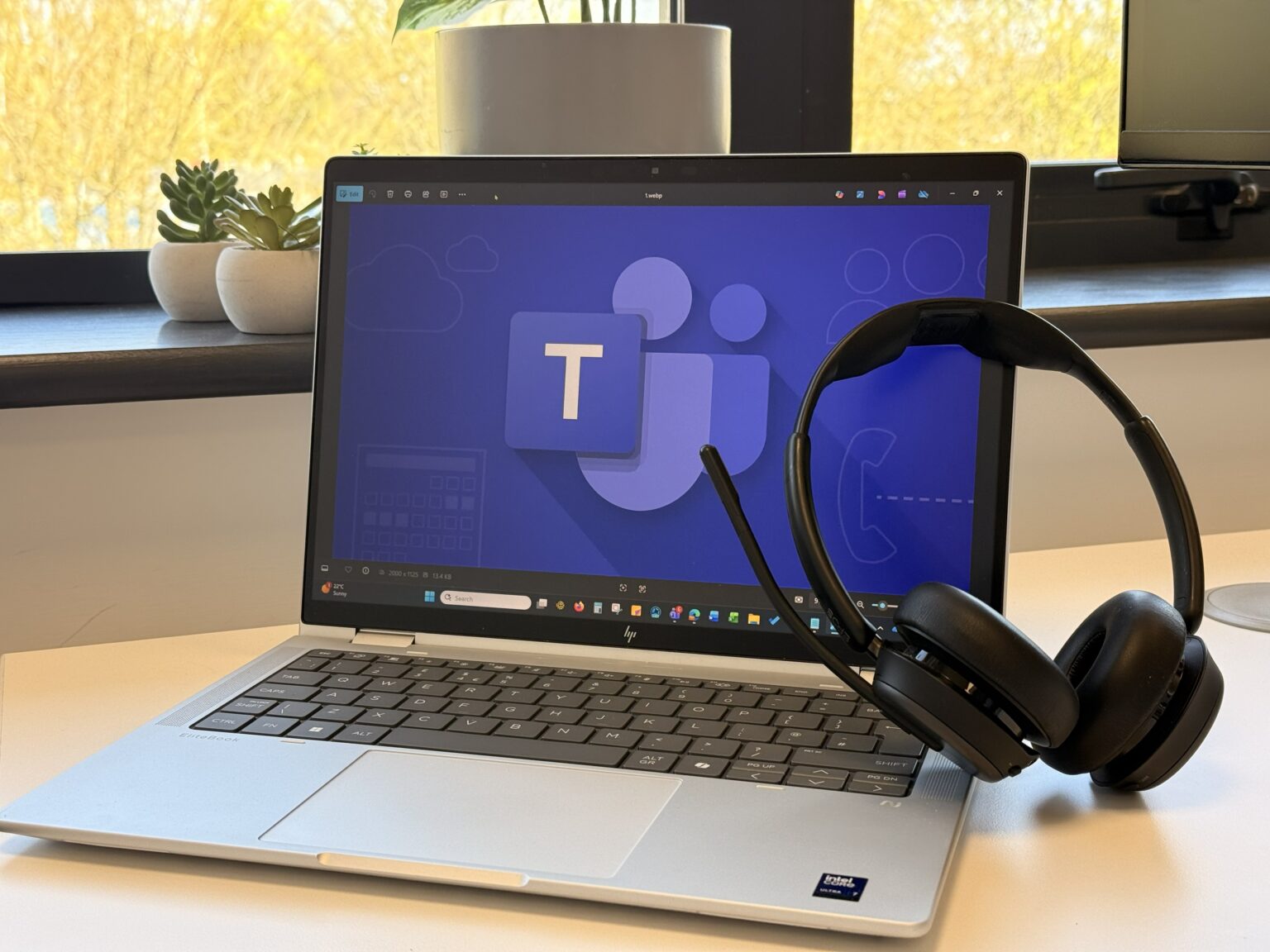
Microsoft Teams Phone: Your All-in-One Calling Solution
Staying connected is essential for every business. Whether your team is in the office, working remotely, or embracing a hybrid setup, you need a communication system that’s simple, reliable, and built for the way you work today. Microsoft Teams Phone delivers exactly that, a modern, cloud-based calling solution that works seamlessly with Microsoft 365.
What Is Microsoft Teams Phone?
Microsoft Teams Phone turns Microsoft Teams into a complete business phone system. You can make, receive, and transfer calls from anywhere, on your computer, mobile device, or desk phone, all within the same familiar Teams interface you already use for chat and meetings. No more juggling multiple apps or hardware. Everything you need to communicate is in one place.
TRUSTED BY MANY
Features That Make Work Easier
With Teams Phone, calling becomes effortless. You can make and receive calls directly in Teams, replacing outdated PBX systems with a secure, cloud-based solution that scales as your business grows. Switching between devices is simple, start a call on your laptop and continue on your mobile without missing a beat.
Managing calls is just as easy. Features like voicemail, call forwarding, and auto attendants ensure every call reaches the right person. To route calls professionally, Teams Phone has built-in options for call queues and group call pickup, so your customers always get a smooth experience.
Security is never an afterthought. Teams Phone is built on Microsoft’s trusted cloud infrastructure, offering enterprise-grade encryption and compliance with global standards. And because it’s part of Microsoft 365, you can move from a voice call to a video meeting or share files instantly, all without leaving Teams.
Why Businesses are Embracing Teams Phone
One of the biggest advantages of Teams Phone is how naturally it fits into your existing Microsoft 365 environment. Your contacts, calendars, and files are already there, so everything works together without extra logins or complicated setups. It’s a unified experience that saves time and reduces frustration.
If your business enables hybrid working, Teams Phone keeps your employees connected wherever they are, at home, in the office, or on the go. The interface is consistent across devices, so there’s no learning curve. And because it’s cloud-based, you can scale easily as your business grows, without the cost and hassle of maintaining on-premises hardware.
What Our Customers Say?
Explore how businesses and individuals have achieved their goals with our tailored solutions and exceptional support.
"Purple Jelly have been our IT support partner since 2021, providing reliable helpdesk services and working closely with us.When we recently experienced a security incident caused by a malicious email, their team acted quickly to contain the threat, securing the Office 365 account, removing the file, resetting access, and monitoring any further issues. Their prompt action and expertise gave us complete confidence throughout the process."
Chris Richardson: Health, Safety & Quality Manager
Landform Consultants Ltd
“Purple Jelly has been an outstanding IT support partner for The Juniper Co. The team’s quick responses, friendly, approachable and proactive guidance, and reliable Cloud solutions have helped make us more operationally robust and secure. Their expertise also helped us acquire and maintain our Cyber Essentials certification. Thank you, Purple Jelly, for your consistent support and professionalism.”
Nicki Kavanagh
The Juniper Co
“Purple Jelly provide reliable managed IT support and do a great job of keeping our systems running smoothly. Their team is friendly, responsive, and really easy to work with.”
Nisha Stevenson
Action for Carers
A True IT Partner to Our Charity
“We have worked with Purple Jelly as our IT support partner for over six years, and they have become a genuine extension of our organisation. They take the time to understand not only our technical needs, but also our people and our mission. Their team consistently goes above and beyond—whether resolving complex issues or supporting users who are less confident with technology... confidently recommend them to any organisation seeking a trusted and supportive IT partner.”
Kelly Newell
Kidney Care UK
“Thank you for your excellent and professional service, it’s always a pleasure working with you and your incredible team.”
Natalie Le Touze
Godwins Solicitors LLP
“Purple Jelly are not just problem-solvers - they’re trusted business partners and advisors. They combine friendliness and approachability with technical expertise, ensuring that we feel supported and confident in our technology. From providing critical IT support when things go wrong, to proactively safeguarding our systems with excellent cyber security practices, they keep the organisation running smoothly. Their professionalism, responsiveness and collaborative approach make them an invaluable extension to our team.”
Natalie Phillips
The League Against Cruel Sports
The Benefits You’ll Notice Right Away
Teams Phone helps boost productivity by putting all your communication tools in one place. No more switching between apps or devices. Your team can respond faster, collaborate better, and deliver a more professional experience to your customers. Plus, predictable monthly pricing means no surprises, just a solution that works.
A Day in the Life with Teams Phone
Picture this: A customer calls your main business number. Instead of being tied to a desk phone, your team can answer from their laptop or mobile device, whether they’re in the office or working remotely. If you need to bring in a colleague, simply add them to the call or turn it into a video meeting in seconds. Everything happens in one platform, making collaboration effortless.
Getting Started is Simple
Setup can vary depending on your business requirements and is guided all the way by our team, so there’s minimal disruption and no surprises.
We will conduct an audit of the current system and perform a readiness check of your network.
We’ll help you choose the right Microsoft calling plan or configure Direct Routing if you want to keep your existing carrier and we will take care of the number porting for you.
Together we will plan the functionality of the Teams Phone system such as:
Auto attendants
Call routes and forwarding
Call groups, queues and group call pickups
Voicemail and transcript
Agree the compliance settings
We will present options for hardware: desk phones or headsets.
We will provide training materials and FAQs
We configure and deploy in a controlled manner
We then provide post setup refinements
Once you’re up and running, your team can start making and receiving calls from anywhere, and we’ll provide training to make sure everyone gets the most out of the system.
On completion we’ll provide maintenance and monitoring to the solution and deliver ongoing support through our Managed IT Support services.
Ready to Upgrade Your Business Communication?
Microsoft Teams Phone isn’t just a phone system; it’s a complete communication solution designed for the Microsoft Modern Workplace. Whether you’re a small business or a growing enterprise, Teams Phone gives you the flexibility, security, and integration you need to stay connected and productive. Contact us today to find out how Microsoft Teams Phone can transform the way you work.